

Imagine hitting “Publish” on your best work, only to find it invisible in Google’s search results days later. It feels like throwing a party and forgetting to send the invitations. This frustrating delay often boils down to a misunderstanding of how search engines actually function. To fix it, you need to look inside the “black box” of SEO.
In this guide, we’ll demystify the search engine workflow by breaking down the critical differences between crawling and indexing.
We’ll explore how search engine bots discover your content, the reasons they might overlook it, and practical steps to resolve any visibility problems. Understanding the nuances of crawling vs indexing will give you the tools to help your content get noticed and ranked effectively.
What Is Crawling?
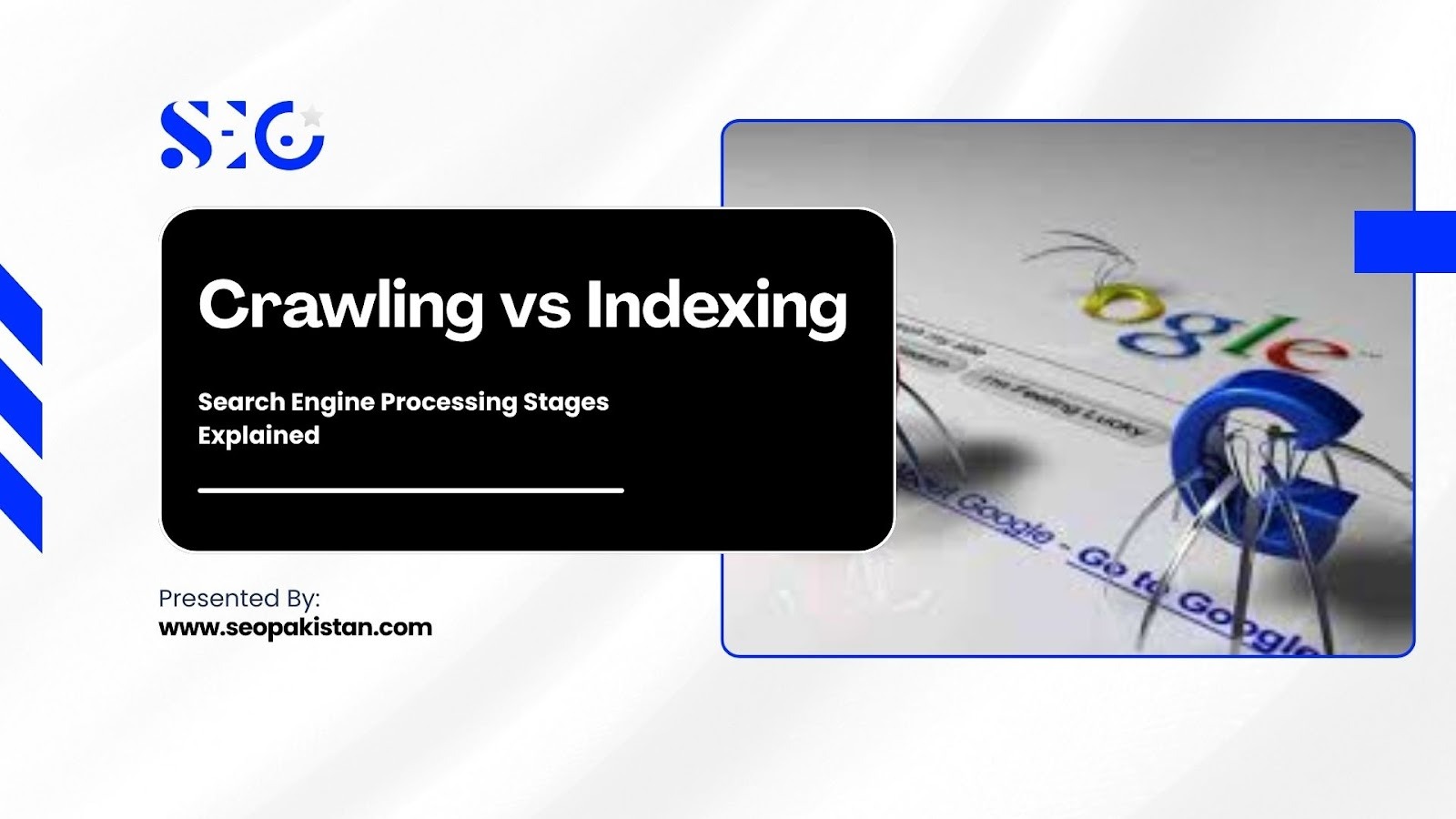
Crawling is the discovery phase of the search engine cycle. During this stage, search engine bots traverse the web to find new and updated pages. They follow hyperlinks from known pages to unknown pages, gathering data about URLs they encounter. If crawling does not happen, the search engine does not know your page exists.
How Crawlers Work
Crawlers, often called spiders or bots, rely on a vast network of links to navigate the internet. They start with a list of known URLs and follow links on those pages to find new content.
How do these automated programs efficiently map the entire web? They rely on specific pathways and directives to locate content:
- Links: Bots follow internal and external links to jump from page to page.
- Sitemaps: XML sitemaps provide a direct map of all important URLs on a website.
- Robots.txt: This file tells crawlers which parts of the site they are allowed to access.
Googlebot & Other Search Bots
Different search engines use proprietary bots to gather information. Google uses Googlebot, while Bing uses Bingbot. While their goals are similar, their behavior patterns and frequency can vary based on their available resources and algorithms.
Do these bots treat every website the same way? Google processing prioritizes sites based on authority and update frequency:
- Googlebot Smartphone: Prioritizes mobile versions of sites for mobile-first indexing.
- Crawl Rate Limit: Ensures bots do not overwhelm a server with too many requests.
- Freshness: Sites that update frequently often see bots return more often.
What Is Indexing?
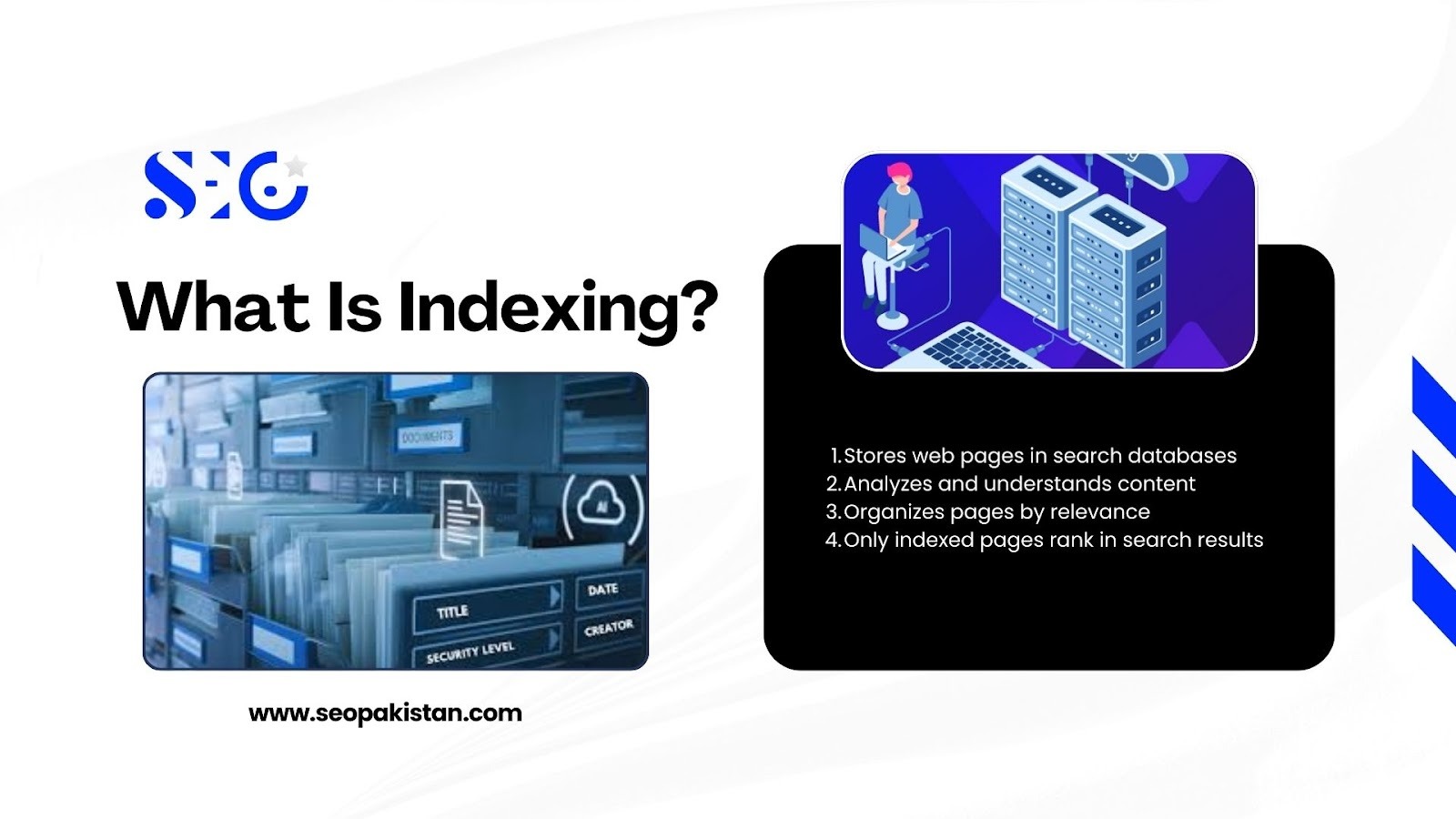
Indexing is the inclusion phase of the process. Once a bot crawls a page, it analyzes the content to understand its topic and relevance. If the page meets quality standards, the search engine stores it in a massive database called the index. Only indexed pages are eligible to appear in search results.
How Content Is Stored
The index acts like a massive library catalog. It does not just store the page as a static image; it organizes the information based on keywords, content type, and freshness. This taxonomy allows the search engine to retrieve the most relevant answer milliseconds after a user types a query.
Signals That Influence Indexing
Search engines do not index everything they crawl. They look for specific signals to determine if a page is worthy of inclusion in their database.
What technical elements prevent or encourage a page from entering the index? Webmasters use several directives to control this stage:
- Meta Robots Tags: Directives like “noindex” explicitly tell engines not to store the page.
- Canonical Tags: These tell search engines which version of a page is the “master” copy to prevent duplicate content issues.
- Content Quality: Thin or duplicate content is often discarded during this phase.
Crawling vs Indexing: Main Differences Explained
Understanding the distinction between discovery and inclusion is vital for troubleshooting. A page can be crawled but not indexed, yet a page cannot be indexed without being crawled.
Crawling is about access; indexing is about storage. Crawling requires server resources and bandwidth, while indexing requires database space and algorithmic approval.
The following table highlights the critical differences in the crawling vs indexing dynamic:
Crawling vs Indexing | Side-by-Side Comparison
| Feature | Crawling | Indexing |
| Purpose | Discover new or updated URLs | Store URLs for search results |
| Tools involved | Search bots/crawlers | Search index database |
| Affected by | robots.txt, sitemap, server connectivity | noindex tags, canonical tags, and content quality |
| Outcome | URL is found, and data is fetched | URL is organized and eligible for SERPs |
| Timing | First step in the workflow | Occurs after the crawl is complete |
The Search Engine Workflow: From URL to SERP
The journey from a published URL to a ranking position is a continuous loop. It is rarely a linear “one and done” event. The search engine workflow consists of four distinct stages that occur in a specific order.
How does a URL move through these complex technical layers? The URL processing stages generally follow this path:
- Discovery (Crawl): The bot finds the URL via a link or sitemap.
- Rendering & Parsing: The bot executes code (e.g., JavaScript) to render the content as a user would.
- Indexing: The search engine analyzes the content and stores it in the database.
- Ranking: The algorithm retrieves the page from the index to answer a user query.
You must optimize for each step. If you fail at step one, the subsequent search engine ranking steps cannot happen.
Why Pages Are Crawled But Not Indexed
A common frustration for SEOs is seeing the status “Crawled – currently not indexed” in Google Search Console. This means Googlebot found the page but chose not to add it to the index.
Understanding why Google ignores certain pages requires a deeper look at the relationship between crawling vs indexing. The gap between these two stages usually stems from specific quality signals or technical directives:
- Duplicate Content: The content is too similar to other pages already in the index, confusing search engines.
- Noindex Directives: A meta tag or robots.txt file accidentally tells the search engine to ignore the page.
- Thin Content: The page offers little to no value, has minimal information, or is considered a “soft 404” (empty or irrelevant).
- Poor Internal Linking: The page is an orphan with no other pages linking to it, signaling low importance to search engines.
- Slow Page Loading Speed: If the page takes too long to load, it can lead to poor user experience and lower rankings.
- Low-Quality Backlinks: If the page is associated with spammy or low-authority links, it might lose credibility.
- Outdated or Irrelevant Content: Search engines prioritize fresh and relevant information. Outdated content may not rank well.
- Crawl Budget Limitations: On large websites, search engines may not prioritize crawling or indexing certain pages, leaving them out.
How to Ensure Your Pages Are Properly Crawled
You cannot rank if bots cannot find you. Optimization starts with making it easy for search spiders to access your site.
How can you roll out the red carpet for search bots? Implement these technical best practices to ensure smooth discovery:
- Create and Submit an XML Sitemap: Generate a clean, updated XML sitemap that lists all your important URLs and submit it to Google Search Console and Bing Webmaster Tools. This acts as a roadmap for search engines.
- Strategic Internal Linking: Every important page should have internal links pointing to it from other relevant pages on your site. This helps bots discover content and understand its relationship to other pages.
- Check Your Robots.txt File: Review your robots.txt file to ensure you aren’t accidentally blocking search engine crawlers from important pages or resources like CSS and JavaScript files.
How to Improve Indexing Chances
Discovery is only half the battle. You must convince the search engine that your page is valuable enough to store.
What convinces an algorithm to add a page to its massive library? Focus on sending clear, quality, and relevant signals:
- Unique Content: Avoid copying text from other internal or external pages.
- Canonical Tags: Use self-referencing canonicals on original pages to claim authority.
- Structured Data: Use schema markup to help machines understand the context of your data.
- Regular Updates: Keep content fresh to signal relevance.
Tools to Monitor Crawling & Indexing
To diagnose crawling and indexing issues, you need the right data. Several tools allow you to see exactly how search engines interact with your site, offering valuable insights into bot behavior.
These tools provide transparency into the technical process:
- Google Search Console: The “Page Indexing” report is the gold standard for spotting errors.
- URL Inspection Tool: Allows you to test a live URL to see how Google renders it.
- Server Logs: Technical SEOs analyze server logs to see exactly when bots visit.
- Bing Webmaster Tools: Offers similar insights specifically for the Bing search engine.
Conclusion
Mastering the difference between crawling vs indexing is the first step toward SEO mastery. Crawling is the discovery of your content, while indexing is the storage and organization of it. Both are distinct, yet both are essential for organic search success.
You must view the search engine workflow as a comprehensive system. From discovery vs inclusion, every step requires attention. Neglecting your technical SEO can leave your best content invisible to the audience that needs it.
Audit your site status today. Check your robots.txt file, review your sitemap, and inspect your coverage reports. A healthy technical foundation ensures your content gets the attention it deserves. For expert help, visit The SEO Pakistan website.
Frequently Asked Questions
What is the difference between crawling and indexing?
Crawling is the process by which search bots discover and scan websites for content. Indexing is the process by which scanned content is analyzed, stored, and organized in the search engine’s database to be shown in results.
Can a page be indexed without being crawled?
Yes, in rare cases. If a page is blocked by robots.txt but has many links pointing to it, Google may index the URL (showing it without a description) because it knows the page exists even if it cannot read the content.
How long does Google take to index a new page?
It varies from a few hours to several weeks. Established sites with high authority are usually indexed faster than new websites. You can speed this up by using the URL Inspection tool in Google Search Console.
Why is Google not indexing my page?
Common reasons include “noindex” tags, duplicate content, poor quality content, or the page being “orphaned” (having no internal links pointing to it).