

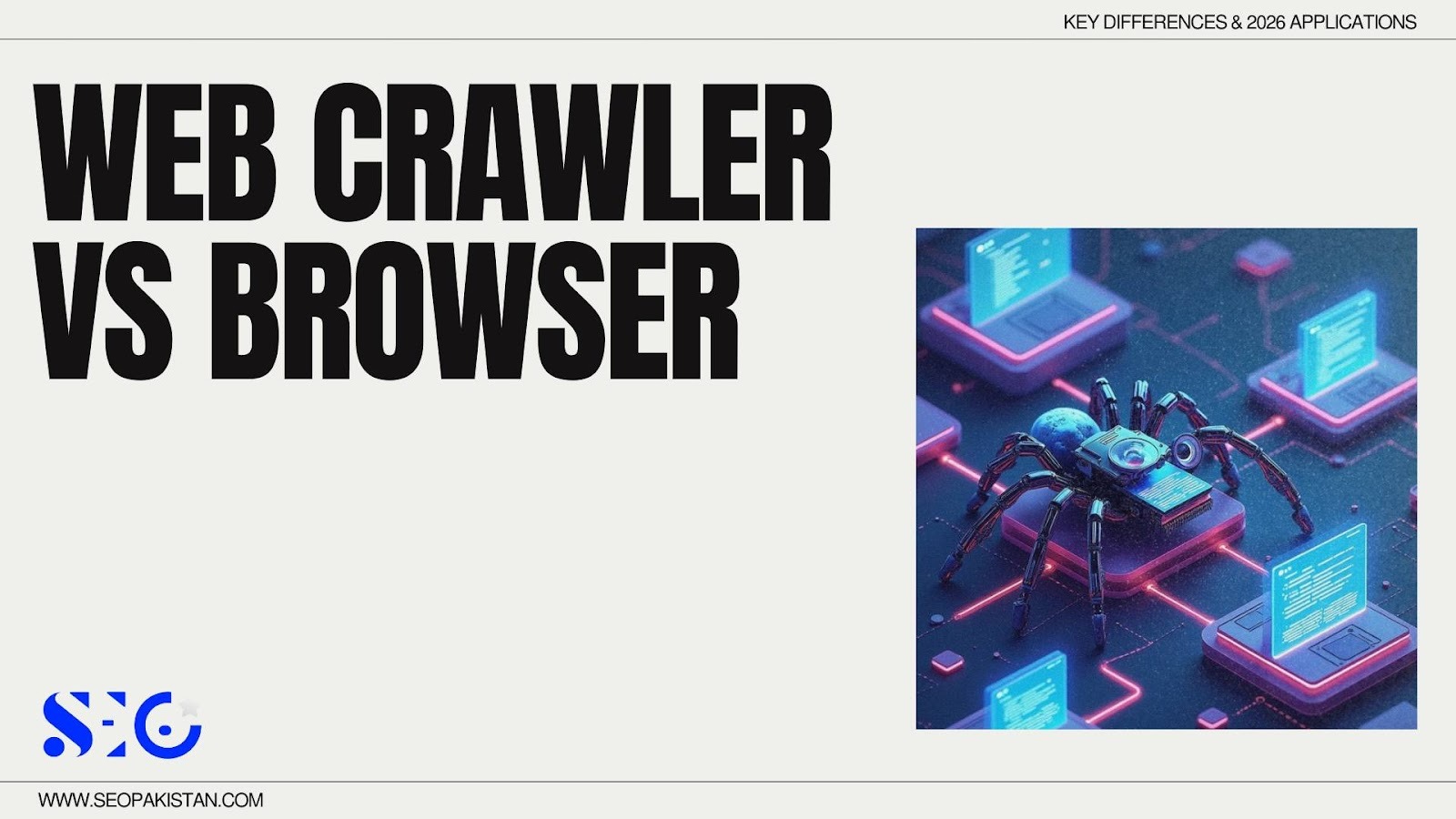
Have you ever wondered how search engines discover and organize the vast content of the internet? Picture the web as an enormous maze, bursting with valuable information at every turn. In this maze, two guides shape your experience: one is the web crawler, a digital librarian methodically mapping every page for search engines, while the other is the web browser, a curious explorer bringing web pages to life for human eyes.
In the evolving digital world, understanding the web crawler vs browser debate is crucial. With AI hybrids blurring the lines in 2026, knowing how each tool interacts with websites empowers you to reach both search engines and your audience more effectively.
Technical Architecture: How They “See” Your Site
To understand why web crawlers and browsers behave differently, we must look at their pipelines.
The Browser Pipeline
A web browser is designed for human interaction. When you type a URL into the address bar, the following process occurs:
- Request: The browser sends a request to the web server.
- HTML/CSS/JS: The server returns the code.
- Rendering Engine: Engines like Blink or WebKit process the code.
- Visual UI: The browser paints the pixels on the screen.
- Human Interaction: The user clicks, scrolls, and engages.
The Crawler Pipeline
Web crawlers work differently. Their goal is efficiency and speed.
- Request: The crawler requests the page.
- HTML Source: It downloads the raw HTML.
- Link Discovery: It identifies all the links on the page to find new content.
- Index Database: It stores the information in massive searchable indexes.
The Rendering Gap
This difference creates a “rendering gap.” A web browser executes every script immediately to ensure the page is visually appealing. However, a crawler bot might use “Lazy Rendering.” It may skip heavy CSS or images to save its crawl budget. If your content exists only inside complex JavaScript, a crawler might miss it entirely.
Key Differences: Automated vs Manual Browsing
In 2026, the distinction between a machine and a human user is more defined than ever. Below is a comparison of how these tools operate.
| Feature | Web Crawler (Machine) | Web Browser (Human) |
|---|---|---|
| Primary Goal | Systematic discovery, crawling & indexing | Visual consumption & interaction |
| Operator | Automated system | Human user |
| Intent Awareness | None (rule-based) | Full intent & decision-making |
| Discovery Method | URL seeds, sitemaps, link graphs | Direct URLs, clicks, bookmarks |
| Navigation Control | Algorithm-driven | User-driven |
| Rendering Purpose | Data extraction | Visual experience |
| HTML Fetching | Yes | Yes |
| DOM Construction | Partial / optimized | Full |
| CSS Processing | Ignored or minimal | Fully applied |
| JS Execution | Selective / delayed (“Wave 2”) | Full & immediate |
| Client-side Routing | Limited support | Full support |
| Shadow DOM | Often ignored | Fully supported |
| Web Components | Partial | Full |
| Image Loading | Skipped or metadata-only | Fully loaded |
| Lazy Loading | Rarely triggered | Fully triggered |
| Video Playback | Not supported | Fully supported |
| Audio Playback | Not supported | Fully supported |
| Canvas Rendering | Ignored | Fully rendered |
| WebGL | Not supported | Supported |
| Fonts | Ignored | Fully loaded |
| Animations | Ignored | Fully rendered |
| User Interaction | None | Click, scroll, drag, input |
| Scrolling | Simulated or none | Natural |
| Hover Events | Ignored | Supported |
| Touch Events | Ignored | Supported |
| Form Filling | Limited / scripted | Full |
| File Uploads | Not supported | Supported |
| Authentication | Usually impossible | Fully supported |
| Login Sessions | Not maintained | Persistent |
| Session State | Stateless | Stateful |
| Cookies | Disabled or minimal | Enabled |
| Local Storage | Rare / limited | Full |
| Session Storage | Rare / limited | Full |
| IndexedDB | Ignored | Supported |
| Cache Usage | Minimal or disabled | Extensive |
| Service Workers | Ignored | Supported |
| Offline Mode | Not applicable | Supported |
| Prefetch / Preload | Ignored | Used |
| History API | Ignored | Used |
| Back / Forward Navigation | Not applicable | Supported |
| robots.txt | Strictly respected | Ignored |
| Meta robots tags | Respected (noindex, nofollow) | Ignored |
| ai.txt | Respected | Ignored |
| HTTP Headers Compliance | Strict | Flexible |
| Canonical URLs | Respected | Ignored |
| Hreflang | Parsed | Ignored |
| Sitemaps | Actively used | Ignored |
| Link Following Rules | Policy-based | User choice |
| Rate Limiting | Mandatory | Natural |
| Crawl Budget | Enforced | Not applicable |
| Request Volume | High, automated | Low, manual |
| Retry Logic | Automatic | Manual (refresh) |
| Timeout Handling | Configured | User-perceived |
| Error Recovery | Automated | User-driven |
| CAPTCHA Handling | Blocked | Solvable |
| Bot Detection Resistance | Low | High |
| Fingerprinting Surface | Small | Large |
| User-Agent | Bot identity (e.g., Googlebot/2.1) | Device identity (e.g., Chrome/132.0) |
| IP Type | Datacenter / shared | Residential / mobile |
| Geo Variance | Limited | High |
| Personalization | None | Full |
| Recommendations | Not applicable | Supported |
| Ads Rendering | Ignored | Fully rendered |
| Tracking Scripts | Often blocked | Fully executed |
| Analytics Events | Limited | Full |
| A/B Tests | Ignored | Applied |
| Consent Banners | Ignored | Interactive |
| Security Prompts | Ignored | Interactive |
| HTTPS Validation | Strict | User-warned |
| TLS Fingerprinting | Predictable | Variable |
| CORS Enforcement | Partial | Full |
| Sandboxing | Strict | User-trusted |
| DevTools Availability | None | Full |
| Accessibility APIs | Ignored | Supported |
| Screen Readers | Not applicable | Supported |
| Legal Constraints | Crawl policies & ToS | User consent |
| Ethical Constraints | Mandatory | Optional |
| Data Output | Structured data, indexes | Visual pages & interactions |
| Persistence of Data | Stored centrally | Stored locally |
| Update Frequency | Scheduled | On demand |
| End Result | Search index / dataset | User understanding |
Web crawlers determine the relevance of content based on code, while browsers rely on visual presentation.
Interaction Patterns: Bot vs Human Interaction
How does a web server know if a visitor is a person or a bot? It looks at the interaction patterns.
User Agent Types
Every request includes a “User Agent” string. Browser users send strings identifying their device, such as “Mobile Safari” or “Chrome/132.0.” In contrast, search engine bots identify themselves clearly, for example, “Googlebot.” This allows servers to manage server resources efficiently.
Navigation Path
Web browsing by humans is chaotic. We follow whims, click random links, and use the back button frequently. Modern crawlers, however, follow a “Crawl Frontier.” This is a prioritized list of URLs. They move systematically through web pages to ensure they index content efficiently.
AI Agents: The Wildcard
The year 2026 has introduced “Agentic” browsers. Tools like the OpenAI Operator use “Full Headless Chromium.” These advanced agents bypass standard bot detection. They mimic human mouse movements and interaction, making the line between AI web crawlers and human users increasingly blurry.

Why Browsers “See” What Crawlers “Miss”
You might see a beautiful website, but search engines might see an empty page.
The JS Barrier
Modern websites rely heavily on JavaScript. Content often hides behind “Click to Load” buttons or complex AJAX calls. This works perfectly for a browser user. However, many web crawlers cannot execute these actions. Consequently, they miss content that is vital for your rankings.
Interaction Walls
Pop-ups and mandatory login screens act as walls. Browsers handle these easily because they are “Stateful” they remember who you are. Most web crawlers are stateless. They cannot log in or close a pop-up. If your valuable content sits behind a login, it will not be indexed properly.
Strategic Applications for SEO Pakistan
Understanding these technical differences is vital for technical SEO.
Crawl Efficiency and Speed
Site performance affects everyone. A slow site frustrates a human user. It also causes a crawler bot to “timeout.” If the crawler cannot load your page quickly, it will leave without indexing it. This kills your potential to appear in search results.
Audit Methodology

Do not guess what Google sees. You must use “Browser Spoofing” techniques. This involves changing your browser’s user agent to match Google Search bots. By doing this, you can view your site exactly how the search algorithm sees it. You can compare the raw HTML against the rendered DOM to find gaps.
Security
You must also protect your content. Web scrapers often pretend to be human browsers to steal data. You can use server logs to detect these malicious actors. Look for IP addresses that request all the pages too quickly for a human to read.
Conclusion: Designing for the Dual Audience
To dominate the digital world in 2026, you must understand the core differences in the web crawler vs browser debate. You need to design for two audiences: the Human Eye (Browser) and the Machine Mind (Crawler).
You cannot sacrifice one for the other. If you focus only on the crawler, your site will be ugly and unusable. If you focus only on the browser, your content will not be discoverable.
The SEO Pakistan Edge: We specialize in “Dynamic Rendering.” This ensures that what your customer sees is exactly what the search engine indexes. We bridge the gap between complex animations and structured data markup.
Frequently Asked Questions (FAQs)
What is the difference between a web crawler and a web browser?
A web crawler is an automated program that systematically browses and indexes web pages for search engines. A web browser, on the other hand, is a tool for human users to visually interact with and explore websites.
How do web crawlers work?
Web crawlers send HTTP requests to websites, retrieve raw HTML, discover links, and store data in massive searchable indexes. They help search engines provide relevant search results.
Why do web crawlers miss some content?
Web crawlers may miss content hidden behind JavaScript, AJAX, or login walls. Unlike browsers, crawlers often skip complex animations and multimedia content to save crawl budget.
What is the main purpose of Web Crawler vs Browser?
Web crawlers systematically discover and index websites for search engines, while web browsers allow humans to visually access, interact with, and consume online content in real time.
Who operates Web Crawler vs Browser?
Web crawlers are automated bots or scripts for data collection, whereas web browsers are controlled by humans to navigate, interact, and view web pages visually.