

SEO teams have never managed more data. Google Search Console, GA4, Google Ads, and now AI search visibility platforms all generate valuable signals — but they sit in silos. Combining them manually means downloading CSVs, building spreadsheets, and spending hours on VLOOKUP formulas before any real analysis can begin.
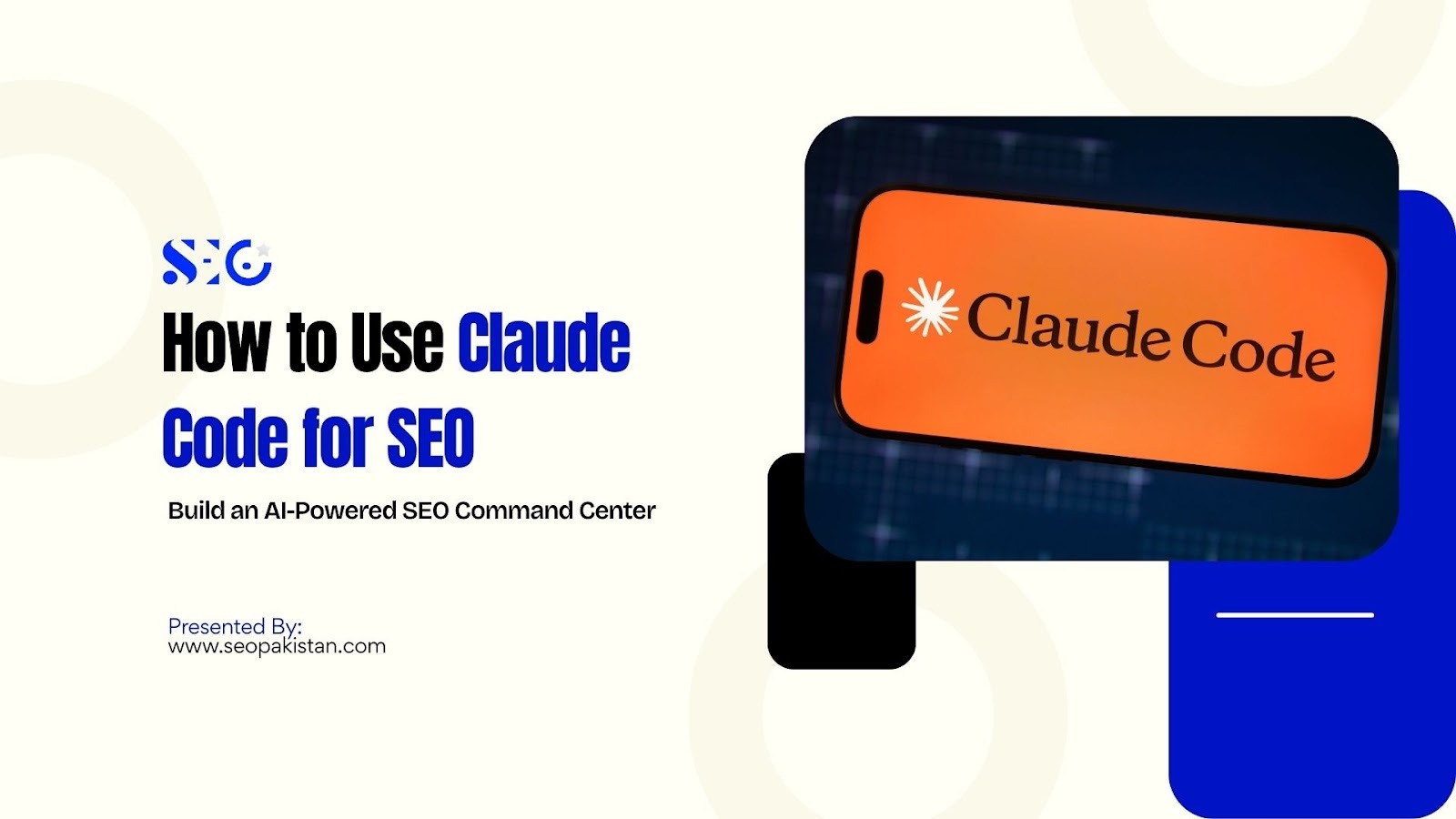
Claude Code for SEO changes that workflow entirely. Instead of stitching data together by hand, you can connect Claude Code directly to your data sources and ask it complex, cross-platform questions in plain language. The result is a centralized, AI-powered SEO command center that replaces hours of manual work with instant, actionable insights.
This guide walks through the complete setup from Google API authentication to AI search visibility tracking — so you can build a system that analyzes data the way experienced SEO professionals think about it: across platforms, in context, and at scale. Understanding Claude AI’s history provides insight into how its algorithms evolved to power Claude Code for SEO, giving you a measurable edge whether you run an in-house SEO team or manage clients at an agency.
What Is Claude Code and Why SEOs Are Using It
Claude Code is Anthropic’s developer-style AI assistant. Unlike chat interfaces, it runs directly in your terminal and can read, write, and analyze files on your machine. That capability makes it unusually powerful for technical SEO workflows.
With Claude Code, you can:
- Point it at a folder of JSON data files from Google Search Console, GA4, and Google Ads to ask questions that would typically require a data analyst.
- Leverage its understanding of APIs to write Python scripts on demand.
- Get interpretations of complex datasets without needing to format the data first.
This is why using Claude Code for SEO is a growing trend for advanced teams. The tool doesn’t just provide dashboards; it answers specific questions by analyzing multiple data sources at once.
Why Modern SEO Requires Cross-Platform Data Analysis
| Platform | Data Type | Key Metrics | How Claude Code Uses It |
|---|---|---|---|
| Google Search Console | Organic search performance | Queries, impressions, clicks, CTR, average position | Finds ranking keywords, identifies pages with high impressions but low CTR |
| Google Analytics 4 | User behavior & engagement | Sessions, engagement rate, bounce rate, traffic sources | Shows how visitors interact with pages after arriving from search |
| Google Ads | Paid search performance | Search terms, clicks, CPC, conversions | Compares paid vs organic keywords to identify SEO opportunities |
| AI Search Platforms | AI-generated search visibility | Brand mentions, citations in AI answers | Tracks how often your site appears in AI-generated responses |
| Bing Webmaster Tools | Organic search performance | Impressions, clicks, CTR, backlinks | Identifies ranking opportunities and competitor insights outside Google |
| SEMrush / Ahrefs | Competitive & keyword analysis | Keyword difficulty, backlinks, traffic estimates | Finds gaps, monitors competitor SEO strategies, and suggests content improvements |
| Social Media Analytics (Facebook, LinkedIn, Twitter) | Engagement & referral traffic | Shares, likes, comments, referral clicks | Measures social impact on organic traffic and content visibility |
| YouTube Analytics | Video search & engagement | Views, watch time, impressions, CTR | Optimizes video content for search visibility and engagement metrics |
The core problem is data fragmentation. Your SEO data lives in at least four different places:
- Google Search Console: This is where you find data on your organic search performance. It provides crucial information such as the queries users type to find your site, how many times your pages appear in search results (impressions), the number of clicks, your click-through rate (CTR), and your average ranking position.
- Google Analytics 4: This platform tracks user behavior on your website. It tells you about the number of sessions and unique users, bounce rates (the percentage of visitors who leave after viewing only one page), and how different marketing channels are performing.
- Google Ads: This is for your paid search campaigns. It provides insight into the search terms that trigger your ads, how much you’re spending, the number of conversions your ads generate, and detailed data on your campaign performance.
- AI search platforms: These platforms provide information on how your brand is being mentioned across various AI-driven search environments. This includes tracking citations, brand mentions in conversations, and appearances in AI-generated summaries like Google’s AI Overviews.
The manual workflow looks like this: export CSVs from each platform, import them into a spreadsheet, write VLOOKUP or INDEX/MATCH formulas, and spend hours comparing data before a single insight emerges. For agencies managing multiple clients, this process does not scale.
The Claude AI SEO workflow replaces traditional methods. By leveraging insights from Claude AI history, you fetch data once, save it as structured JSON files, and let Claude Code analyze all sources together. Questions like “Which paid keywords rank organically in the top 5?” are answered in seconds instead of hours.
This is where AI SEO automation proves its value. The speed of analysis you get when using Claude Code for SEO changes what is possible — you can run these comparisons weekly, not monthly, and act on insights before competitors do.
Step 1: Setting Up Google API Authentication
All integrations require Google API access. Before writing a single fetcher script, you need two types of credentials in place.
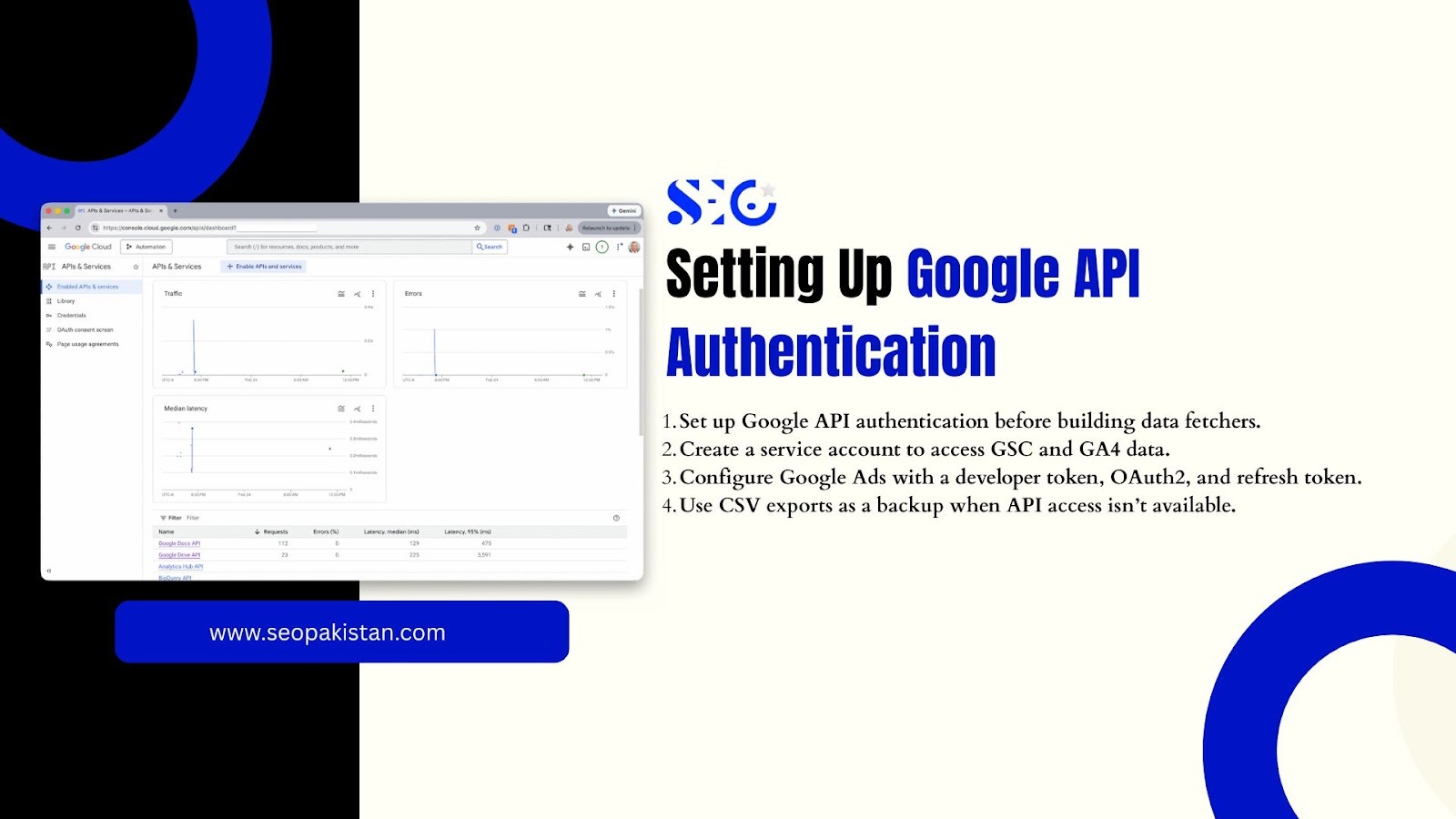
Service account authentication handles Google Search Console and GA4. OAuth credentials handle Google Ads. The two systems work differently, so this section covers both.
Creating a Google Cloud Service Account (For GSC and GA4)
Follow these steps to set up service account authentication:
Are you starting from scratch with Google Cloud? Here is exactly what you need. The process is straightforward if you follow these steps in order.
- Go to the Google Cloud Console and create a new project
- Enable the Search Console API and the Google Analytics Data API under APIs & Services
- Navigate to IAM & Admin > Service Accounts and create a new service account
- Download the JSON key file — this is your credential file for all future requests
- Copy the service account email address (it follows the format [email protected])
- Add that email to your GSC property with Read access and to your GA4 property as a Viewer
Agencies can use one service account across all client properties. Add the same email to each client’s GSC and GA4, and your single JSON key file handles authentication for every account.
Google Ads Authentication Setup
Google Ads uses a different authentication model. It requires three components working together:
What credentials do you need for Google Ads API access? Here is the complete list before you begin.
- A Google Ads developer token: You’ll need to apply for this token from the API Center within your Google Ads manager account. Basic access is usually granted automatically, allowing you to connect to the API.
- OAuth2 credentials: These are created inside your Google Cloud Console and consist of a client ID and client secret.
- A refresh token: This is generated by authorizing your application through the OAuth flow. The refresh token allows your script to obtain new access tokens without requiring manual user intervention each time.
If you manage multiple client accounts through a Manager Account (MCC), one developer token covers all sub-accounts. This is a significant advantage for agencies — you authenticate once and access every client account under the MCC.
Alternative: Using CSV Data Instead of APIs
If API access is not available for a particular client or property, you have a fallback option.
- Export 90 days of keyword data directly from each platform
- Save the CSV files in your project directory
- Claude Code can read and analyze CSV files directly
This approach works well for initial testing or for clients who cannot grant API access. The analysis capabilities remain the same — only the data collection method changes.
Installing Python Dependencies
Claude Code works with Python scripts to connect to Google APIs. Before running any fetchers, install the required packages.
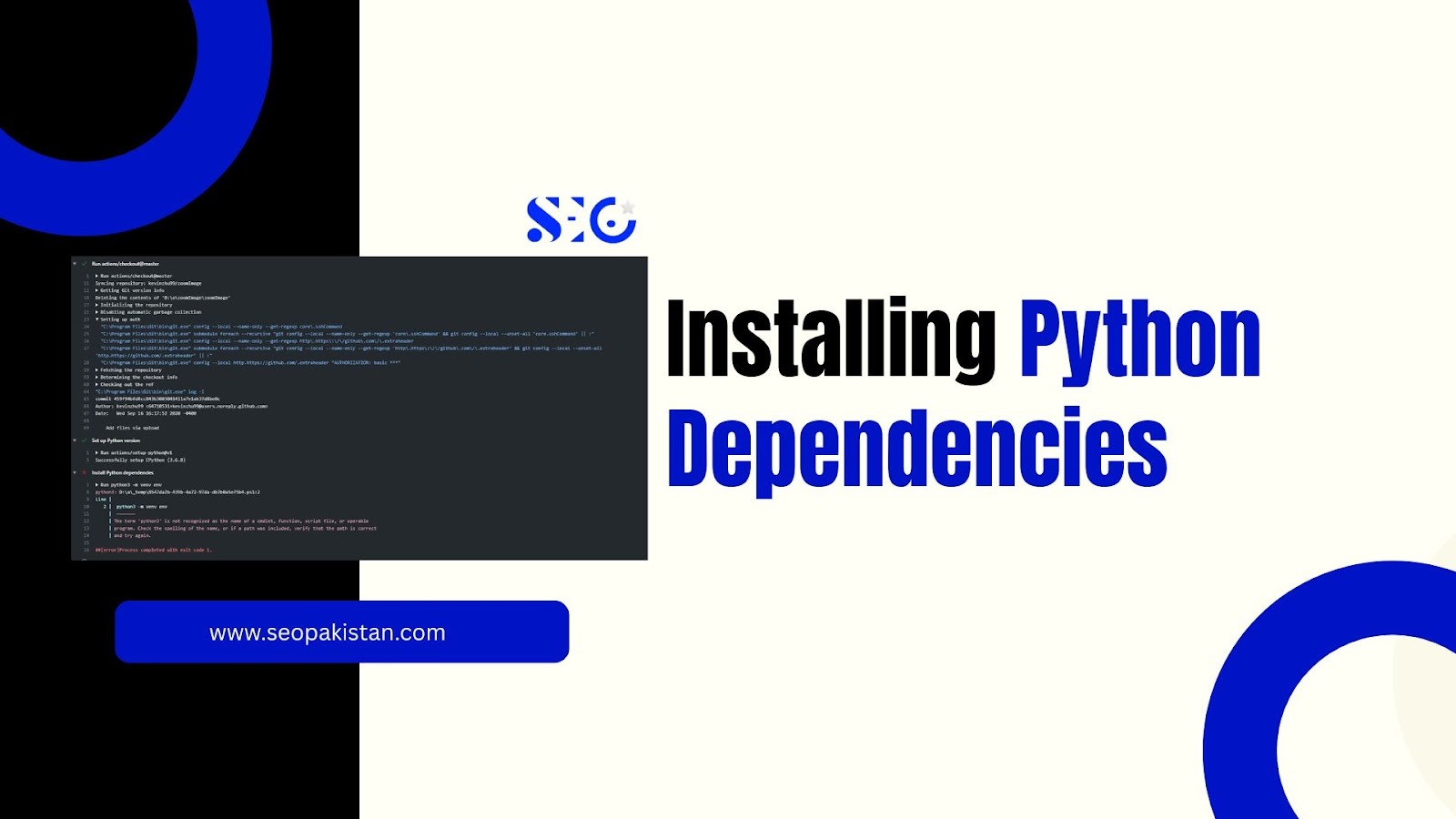
Environment requirements: Mac or Linux terminals work natively. Windows users should run these commands inside WSL (Windows Subsystem for Linux).
These four packages connect your scripts to the Google Search Console API, GA4, and Google Ads, respectively. Once installed, you are ready to build the data fetchers that power your Google Search Console AI analysis system.
Step 2: Build Data Fetchers (Automated Data Scripts)
Each fetcher script follows the same pattern: it authenticates using your credentials, retrieves data from a specific platform, and saves the output as a JSON file in your project directory. Claude Code then reads those JSON files during analysis.
The advantage here is significant. Claude Code already understands the structure of GSC, GA4, and Google Ads APIs. You can ask it to write the fetcher scripts for you, and it will produce working Python code that handles authentication, pagination, and data formatting automatically.
Google Search Console Data Fetcher
The GSC fetcher script pulls crucial organic search data directly from the Google Search Console API. This isn’t just a high-level overview; it’s the raw material for deep performance analysis.
By fetching this data, you can understand exactly which search terms are driving traffic and how users perceive your site in search results.
Here’s a breakdown of the specific data points the fetcher collects:
- Search queries triggering your site
- Impressions per query
- Clicks per query
- Click-through rate (CTR)
- Average ranking position
The script pulls the top 1,000 queries for the last 90 days and saves them as a JSON file. This gives you a comprehensive view of your organic footprint — the foundation of every analysis that follows.
Google Analytics 4 Fetcher
While Google Search Console (GSC) tells you what brings people to your site, Google Analytics 4 (GA4) shows what they do once they’re there. The GA4 fetcher is designed to gather this crucial engagement and traffic data from your website.
Understanding this behavior is key to optimizing the user journey and improving conversion rates. It collects key metrics such as:
- Sessions by channel
- Total users
- Bounce rate (engagement rate in GA4 terminology)
- Traffic source breakdowns
Combining GA4 data with GSC data reveals something neither platform shows alone: you can identify pages that rank well but drive poor engagement, or pages that convert strongly but have low impressions. This combined view is where AI SEO insights become genuinely actionable.
Google Ads Fetcher Using GAQL
For those looking to dive deep into their advertising performance, our system includes a Google Ads fetcher. This tool uses GAQL (Google Ads Query Language), an SQL-like interface, to programmatically access your Google Ads data.
By automating this process, you can move beyond the standard dashboard views and pull campaign metrics directly into your own analysis environment. This allows for more granular and customized reporting, enabling you to pinpoint exactly which campaigns are driving ROI and which need adjustment. The fetcher retrieves:
What paid data does the Google Ads fetcher collect? Here is the full picture.
- Search terms that triggered your ads
- Impressions and clicks per term
- Cost and conversion data
- Campaign and ad group attribution
This data enables the most powerful analysis in the entire system: comparing what you are paying to advertise against what you already rank for organically.
Step 3: Create a Client Configuration File
Each client or website needs a simple JSON configuration file that tells Claude Code which data belongs to which account.
A typical config file includes these fields:
- domain — the primary website URL
- GSC property — the exact property string as it appears in Search Console
- GA4 property ID — the numeric identifier for the GA4 property
- Google Ads customer ID — the account ID, formatted without dashes
- industry — useful for providing context during analysis
- competitors — a list of competing domains for comparative analysis
This configuration file acts as the context layer for every analysis session. When you open Claude Code and ask a question, it reads the config file first and knows exactly which client’s data to reference.
Step 4: Ask Cross-Source SEO Questions
This is where the SEO command center with AI delivers its most obvious value. With GSC, GA4, and Google Ads data saved as JSON files in your project directory, Claude Code can analyze all three simultaneously and answer questions that would otherwise require a data team.
A standard manual workflow of exporting CSVs, building pivot tables, and writing formulas takes two to four hours for a single analysis. Claude Code completes the same analysis in under two minutes.
Paid vs Organic Keyword Gap Analysis
This is arguably the most valuable use case in the entire system. The analysis compares your GSC organic query data against your Google Ads search terms and identifies four distinct opportunities:
What does a paid vs organic gap analysis actually reveal? Ask Claude Code to compare both datasets and look for these patterns.
- Wasted ad spend: Queries where you already rank in position 1-3 organically and are also running paid ads, paying for clicks you would receive anyway
- Organic ranking opportunities: Paid terms converting well that have no organic presence, signaling content gaps worth addressing
- Paid amplification candidates: High-impression organic terms with low CTR that could benefit from a supporting paid campaign
- Missing content: Paid search terms generating conversions with no organic equivalent
Identifying these overlaps manually requires downloading data from two platforms, formatting it consistently, and running VLOOKUP comparisons across thousands of rows. Claude Code reads both JSON files, runs the comparison, and presents findings directly. This single analysis typically saves three to five hours per client per month.
Other Powerful Questions You Can Ask
Beyond the paid-organic gap, Claude Code handles a wide range of SEO questions instantly:
What other insights can you extract from your combined data? These questions represent the most commonly requested analyses from SEO teams.
- Which pages have high impressions but a low CTR, indicating they are strong candidates for meta title and description optimization?
- Which queries with organic traffic have no paid ads running, indicating the keywords are underserved by my paid strategy?
- Which topic clusters have high impressions but rankings stuck on page two, presenting content expansion opportunities?
- Which pages with high bounce rates and strong rankings have engagement problems that may eventually affect their rankings?
Each of these questions would take significant manual effort without AI-powered SEO tools. With Claude Code for SEO, reading your pre-fetched JSON data, every answer is seconds away.
Step 5: Add AI Search Visibility Tracking
Ranking on Google is no longer the complete picture of search performance. The search ecosystem now includes platforms that generate answers without sending traffic to traditional blue links:
- Google AI Overviews: Appearing above organic results for a growing percentage of queries
- ChatGPT: Used by millions for research and product discovery
- Perplexity: A citation-heavy AI search engine with strong commercial intent queries
- Microsoft Copilot: Integrated into Windows and Bing
- Google Gemini: Expanding across Google’s product suite
For industries like SaaS, education, healthcare, and research, AI citation tracking has become essential. If a competitor’s content gets cited by ChatGPT and Perplexity for your target keywords, they capture demand before a user ever reaches a traditional search results page.
Using AI Visibility Tracking Platforms
Several platforms now provide structured AI citation data that integrates directly into the Claude Code workflow:
Which platforms should you consider for AI search visibility tracking? These tools export data that Claude Code can analyze alongside your GSC and Ads data.
- Scrunch: Tracks brand mentions and citations across major AI platforms
- Semrush AI Visibility: Extends Semrush’s existing keyword tracking into AI search results
- Otterly.ai: Monitors brand mentions and website citations across Google AI Overviews, ChatGPT, Perplexity, Google AI Mode, Gemini, and Copilot; recognized by Gartner as a Cool Vendor in AI Marketing for 2025
The workflow is straightforward: export AI citation data from your chosen platform as a CSV or JSON file, place it in your project directory alongside your GSC and Ads data, and ask Claude Code to compare all three.
A particularly valuable analysis is identifying AI citation cannibalization — cases where a competitor gets cited for queries where you already rank organically, effectively capturing intent above your organic position.
AI Tracking Without Enterprise Tools
Enterprise AI tracking platforms carry high monthly costs. For teams working within tighter budgets, several affordable alternatives exist:
Are there cost-effective ways to track AI visibility without enterprise software? These options deliver strong data at a fraction of the cost.
- DataForSEO AI Overview API — pay-as-you-go pricing; returns AI Overview text, cited URLs, and source references
- SerpApi — full Google SERP data with AI Overview detection and structured JSON output
- SearchAPI.io — affordable API with Google AI Mode tracking and structured results for Claude Code integration
- Bright Data SERP API — pay-as-you-go scraping API with AI Overview capture capabilities
- Bing Webmaster Tools — free data on Copilot citations, grounding queries, and page-level references across Microsoft’s AI products
- DIY monitoring using LLM APIs — the lowest-cost method; call OpenAI or Anthropic APIs with brand-related prompts, analyze responses, and detect brand mentions programmatically.
What the SEO Workflow Looks Like in Practice
That’s the theory, but what does this look like in practice?
Here’s a step-by-step breakdown of the complete workflow.
Client Setup (approximately 15 minutes)
- Add the service account email to the client’s GSC property and GA4 account
- Obtain the Google Ads customer ID from the account settings
- Create the client configuration JSON file with all required fields
Monthly Data Fetch (approximately 5 minutes)
Run the fetch script from your terminal:
python3 run_fetch.py –sources gsc,ga4,ads
The script authenticates, retrieves 90 days of data from each source, and saves structured JSON files to the project directory.
Analysis
Open Claude Code, load the project directory, and begin asking questions. Claude Code reads all JSON files in context and generates insights across all three data sources simultaneously.
Reporting
Claude Code generates output as a structured Markdown report covering key findings, prioritized opportunities, and specific recommendations. Teams that prefer Google Docs formatting can convert the Markdown output directly — several tools automate this step with a single command.
What Claude Code Does NOT Replace
Transparency matters here. Claude Code is a powerful analysis layer, but it does not replace the tools or expertise that make an SEO strategy work.
Claude Code does not replace:
- SEO strategy: Identifying which opportunities to pursue requires human judgment about brand positioning, resources, and competitive dynamics
- Human decision-making: Claude Code surfaces patterns; experienced SEOs decide what to do with them
- Traditional SEO platforms: Tools like Semrush and Ahrefs provide data that Claude Code does not have access to, including backlink profiles, site audit capabilities, and competitor organic traffic estimates
The most effective setup uses Claude Code alongside existing platforms. Traditional tools find opportunities; Claude Code provides the cross-platform analysis layer that shows how those opportunities relate to your paid spend, engagement data, and AI visibility.
Limitations and Things to Verify
Large language models can produce confident-sounding outputs that contain errors. This is a known characteristic of all AI systems, including Claude Code.
Adopt these verification practices before presenting any analysis generated with Claude Code for SEO to stakeholders:
- Verify numerical outputs against the raw JSON files — spot-check five to ten data points in every report
- Validate insights that seem surprising or counterintuitive by examining the underlying data directly
- Cross-reference recommendations with your platform dashboards before making budget or content decisions
- Never publish AI-generated reports without human review — a factual error in a client report damages trust that takes months to rebuild
The goal is to usethe Claude Code to speed up analysis, not to automate judgment. Human oversight remains essential.
The Future of SEO Belongs to Data-Connected Teams
Claude Code for SEO represents a genuine shift in how SEO analysis gets done. The manual workflow of downloading CSVs and building spreadsheets has not changed in a decade. AI SEO automation finally makes it obsolete.
Agencies that implement this system report reclaiming hours of analytical time every month — time redirected toward strategy, client communication, and content creation. The data work that once required a dedicated analyst now runs in minutes.
The future of SEO will combine traditional organic search performance with paid vs organic keyword analysis and AI search visibility into a single, unified view. Teams that build this capability now will have a compounding advantage as AI search continues to grow.
Ready to build your SEO command center? The path is clear: Start with Google Search Console, add GA4 and Ads data, then expand into AI visibility tracking. Each step builds toward a unified system that puts you ahead of the curve.
Take the first step and master the future of SEO. Visit seopakistan.com to learn how.
Frequently Asked Questions
What is Claude Code for SEO?
Claude Code is an AI-driven SEO tool that generates semantically optimized content, improving relevance, keyword integration, and search engine rankings for marketers, content creators, and SEO professionals.
How does Claude Code work?
It leverages natural language understanding to create context-rich, semantically aligned content, enhancing search visibility, user engagement, and organic traffic with precise keyword placement and topic relevance.
Who should use Claude Code for SEO?
Marketers, content creators, and SEO specialists use it to produce high-ranking, semantically optimized content, boosting SERP performance, audience reach, and overall digital marketing effectiveness.
What is Claude Code?
Claude Code is an AI-powered developer assistant created by Anthropic that runs directly in a terminal environment. It can read files, analyze datasets, generate scripts, and answer complex technical questions. For SEO professionals, it allows analysis of large datasets from platforms like Google Search Console, Google Analytics 4, and Google Ads to uncover insights that would normally require manual data analysis.
How can Claude Code be used for SEO analysis?
Claude Code can analyze SEO data by reading structured files such as JSON or CSV exported from analytics and search platforms. By combining multiple datasets, it can identify keyword opportunities, compare organic and paid search performance, and highlight pages that need optimization.
What SEO data sources can Claude Code analyze?
Claude Code can work with data from several major marketing platforms, including:
- Google Search Console for search queries and ranking data
- Google Analytics 4 for user behavior and engagement metrics
- Google Ads for paid keyword performance
These combined datasets help SEO teams understand how search visibility, traffic, and conversions are connected.
Does Claude Code replace traditional SEO tools?
No. Claude Code is designed to complement traditional SEO platforms rather than replace them. Tools like Semrush and Ahrefs provide keyword databases, competitor insights, and backlink analysis, while Claude Code focuses on analyzing your own datasets and generating deeper cross-platform insights.
Can Claude Code automate SEO data workflows?
Yes. Once API connections and data-fetching scripts are set up, Claude Code can process updated datasets regularly. This automation allows SEO teams to analyze organic rankings, paid campaigns, and user engagement data without manually merging spreadsheets.
How does Claude Code help identify SEO opportunities?
Claude Code can compare multiple datasets to uncover patterns. For example, it can identify keywords where a website already ranks well organically but is still spending money on ads, or highlight pages that receive many impressions but have low click-through rates. These insights help prioritize optimization tasks.