


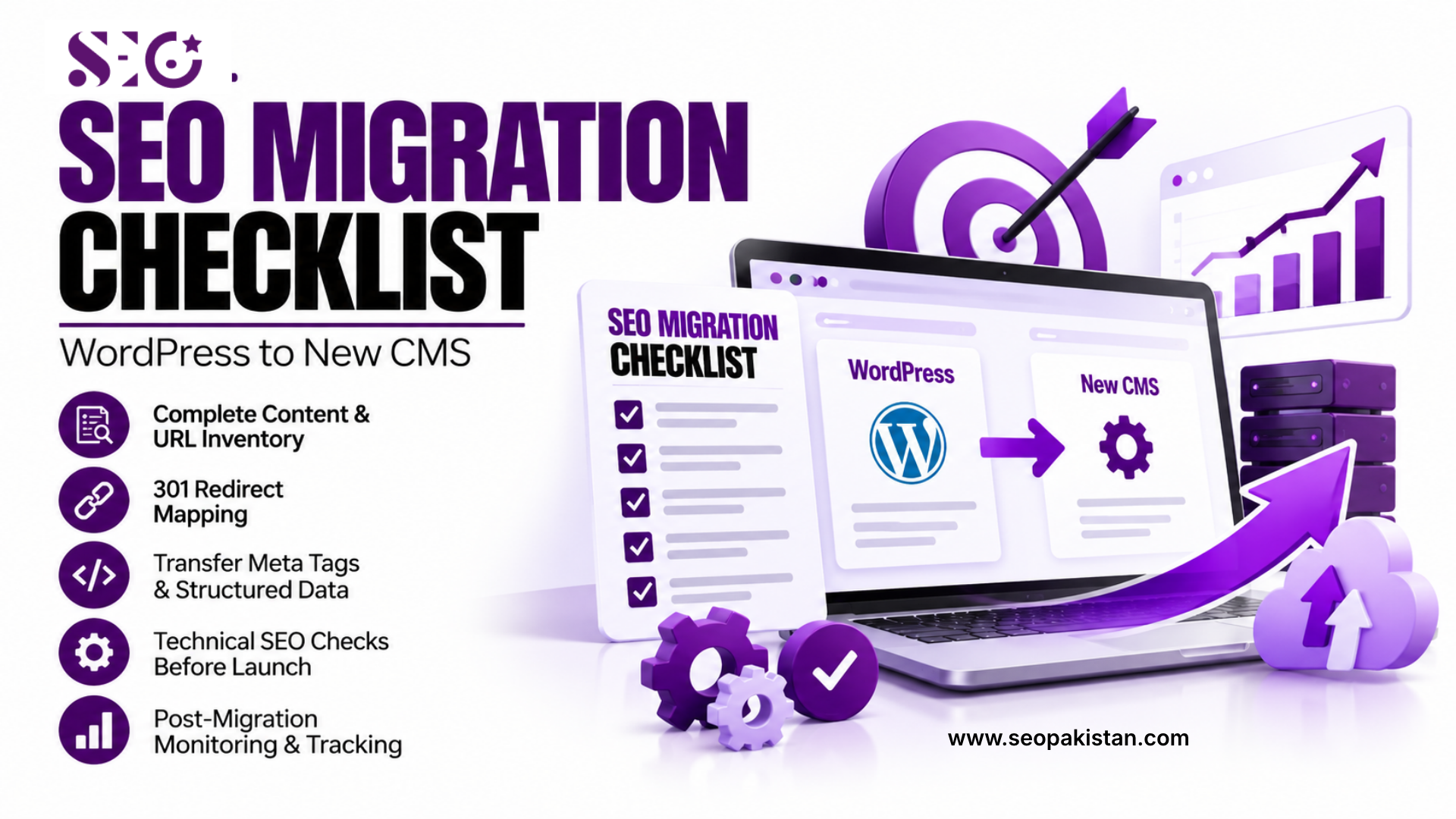
SEO migration checklist protects your search rankings and organic traffic when you move a website from WordPress to a new CMS. The core steps are a full content and URL inventory, a complete redirect map, transferred meta tags and structured data, technical checks on staging, and post-launch monitoring in Google Search Console. Skipping any one step is the most common reason a website migration causes a traffic drop that takes months to recover from.
Why a Website Migration Puts SEO at Risk
Search engines index your site based on specific URLs, content, and technical signals tied to those URLs. When you move to a new CMS, all three can change at once, sometimes without anyone realizing it until traffic drops.
A poorly executed migration often changes URL structures, drops meta descriptions, breaks internal links, or removes structured data that took months to build. None of these mistakes announce themselves immediately. They show up two to six weeks later as declining search engine visibility, once search engines have recrawled and reindexed the new site.
This is why a migration checklist exists as a formal document, not a mental list. A formal checklist gives your migration team a shared reference point, and it gives you something to audit against after launch when something does go wrong.
Pre-Migration Planning: Building Your Content and URL Inventory
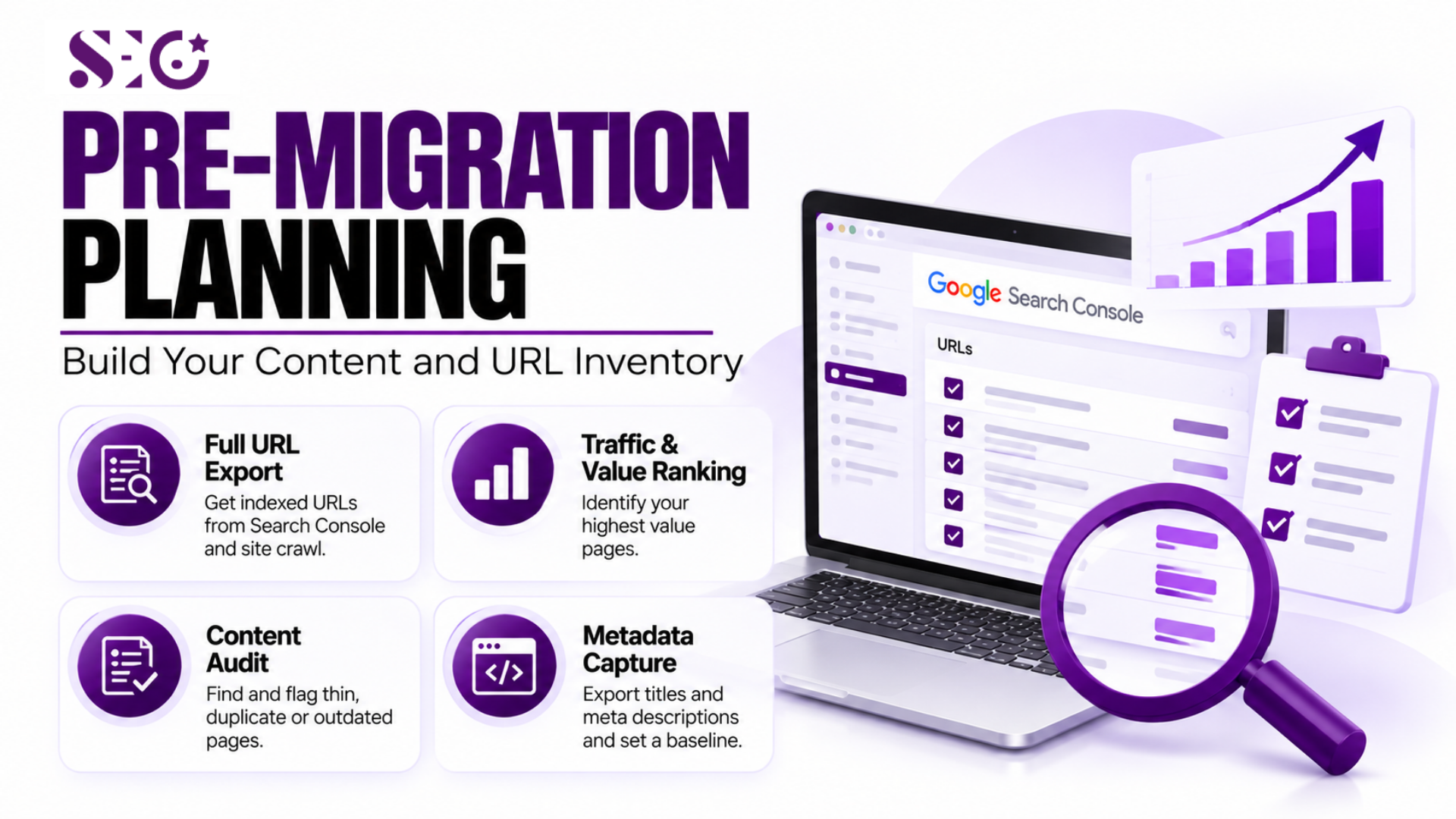
Before any code changes, build a complete record of what exists on the old site. This inventory becomes the source of truth for every redirect and content decision in your SEO migration checklist.
Export a full list of indexed URLs from Google Search Console, not just the URLs listed in your CMS. Search engines sometimes index pages your CMS no longer displays prominently, and those pages still carry ranking value.
- Full URL export: Pull every indexed URL from Search Console’s coverage report, plus a full crawl from Screaming Frog, since the two lists rarely match.
- Traffic and value ranking: Sort every URL by organic sessions over the past 12 months to see which pages carry the most seo value.
- Content audit: Flag thin, duplicate, or outdated pages now. A migration is a natural point to retire pages that never should have been indexed.
- Metadata and baseline capture: Export existing titles and meta descriptions, and record baseline rankings and traffic so you have a real number to measure impact against.
Once this inventory exists, decide which pages migrate as is, which get merged, and which get retired with a redirect to the closest relevant replacement.
Redirect Mapping: Preserving Search Engine Visibility
Redirect mapping is the highest-stakes part of any migration process. A missing redirect sends users and crawlers to a dead end, and lost link equity rarely returns on its own.
Create a spreadsheet mapping every old URL to its new equivalent, with a clear reason for each mapping.
- One-to-one redirects: Activate a 1:1 mapping of 301 redirects from old URLs to new destinations for anything with existing traffic or backlinks.
- Consolidated redirects: When several thin pages merge into one stronger page, redirect all of them to that single destination.
- Redirect chains audit: Check that no redirect points to another redirect, since chains leak SEO value and slow page loads.
- 404 candidates: Reserve 404s only for pages with no reasonable new equivalent and no meaningful historical traffic.
Test every redirect on staging before launch, protecting the organic traffic growth already earned. Once live, run a fresh crawl to verify all 301 redirects actually resolve.
Transferring Titles, Meta Tags, and Structured Data
Meta tags and structured data carry real ranking and click-through signals, and they are easy to lose silently during a platform change since many CMS platforms handle them differently by default.
Confirm that every migrated page carries its original title tag, meta descriptions, and H1 unless you have a specific reason to update them. If you are updating them as part of the migration, do that deliberately and track the changes, rather than accepting whatever the new CMS auto-generates.
Structured data deserves particular attention. Schema markup for articles, products, reviews, or FAQs often lives in a theme or plugin that does not exist on the new platform. Rebuild it manually if the new CMS does not support a direct import, and validate every template with Google’s Rich Results Test before launch.
Technical SEO Checks Before Launch
Canonical Tags and Duplicate Content
Confirm every page has a single, correct canonical tag pointing to its own final URL. A common migration mistake is canonical tags pointing to the old domain, or to a staging URL that never gets cleaned up before launch.
Robots.txt and XML Sitemap
Confirm every page has a single, correct canonical tag pointing to its own final URL, not the old domain or a staging URL. Remove indexation blocks by updating robots.txt and removing staging password protection, then confirm production robots.txt allows crawling once live. Forgetting to remove noindex tags can make an otherwise perfect migration invisible to search engines.
Core Web Vitals and Site Speed
Core Web Vitals frequently shift during a platform change, for better or worse, since the new CMS renders pages differently. Test website speed and mobile usability on staging using PageSpeed Insights before launch, not after users start noticing a slower site.
Setting Your Analytics and Search Console Baseline
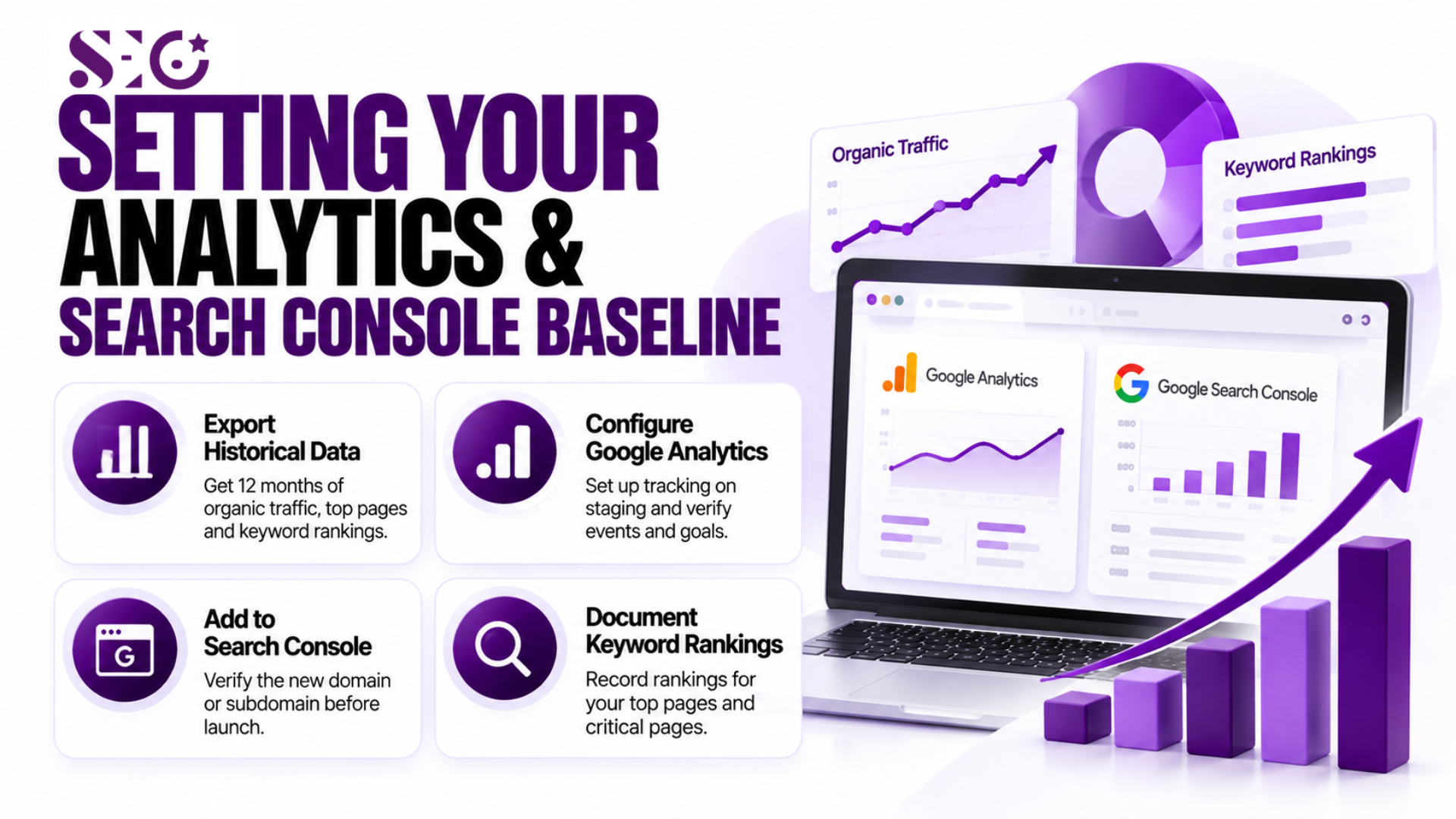
You cannot measure the impact of a migration without a clean baseline recorded before it happens. Skipping this step means guessing later whether a traffic change came from the migration or from something else entirely.
- Export historical data: Pull 12 months of organic traffic, top landing pages, and keyword rankings before touching anything, so you have a real comparison point.
- Configure Google Analytics: Set up the new property or update tracking codes on staging first, confirming events and goals fire correctly before the new site goes live.
- Add the new domain or subdomain to Search Console: Verify ownership ahead of launch so indexing data starts flowing immediately once the migration goes live.
- Document current keyword rankings: Record rankings for your top-performing pages and critical pages, since these are the ones you will watch most closely after launch.
Staging Site QA: What to Test Before Going Live
A staging environment exists to catch problems before real users and search engines see them. Treat staging QA as non-negotiable.
Run a test crawl on staging to check for broken internal links or missing alt text, and update internal links so they point to the new live URLs. Test every redirect, page, and conversion path before launch, since a redirect that works in a spreadsheet does not always work once the CMS renders it live.
Post-Migration Monitoring: The First 30 Days
The work does not end at launch. Monitor key metrics daily in the first weeks, since this is when most real problems surface as search engines recrawl the site.
Check Search Console for crawl errors, a spike in 404s, or a sudden drop in indexed pages. Some fluctuation is normal as search engines process a large-scale change. A sustained drop across many keywords usually points to an unresolved technical issue. Keep the old site accessible on a subdomain as a reference, and maintain your redirect map for a meaningful stretch of time.
Migration QA Table
Use this SEO migration checklist table to assign ownership and confirm nothing gets missed between planning and the first week after launch.
| Check Area | What to Verify | Tool to Use | Owner | Status |
| Redirect mapping | Every old URL resolves via 301 to the correct new URL | Screaming Frog, manual spot checks | SEO lead | Pending |
| Meta tags and structured data | Titles, descriptions, and schema match pre-migration export | Rich Results Test, manual audit | Content team | Pending |
| Canonical and robots.txt | No canonical points to staging or old domain; robots.txt updated | Search Console, direct file check | Developer | Pending |
| Analytics and Search Console | New property tracking correctly, sitemap submitted | Google Analytics, Search Console | SEO lead | Pending |
| Post-launch crawl health | No crawl error spike, indexed page count stable | Search Console coverage report | SEO lead | Pending |
Best Practices and Expert Tips
Establish clear migration objectives before work begins, so the team judges success against something specific, not a vague sense that the new site should just work like the old one.
Stagger the migration if your site has more than a few hundred pages, moving your highest-value pages first and monitoring performance before migrating the rest.
Communicate the migration date to your migration team and external partners well in advance, since a backlink pointing to a changed URL is a lost chance to ask for an update directly.
Common Mistakes
Many of the traffic drops attributed to “the new CMS being bad for SEO” actually trace back to preventable process failures rather than the platform itself.
- Skipping the URL inventory step: Teams that migrate directly from the CMS page list miss orphaned but indexed URLs, leaving them to 404 silently after launch.
- Forgetting to update internal links: Hardcoded internal links in old content continue pointing to old URL structures, forcing extra redirect hops on every single click.
- Leaving staging indexable: A forgotten robots.txt disallow rule on the live domain, copied over from staging, can deindex a freshly launched site within days.
- No redirect for old external links: Failing to update external links is not fully in your control, but failing to at least redirect the URLs those links point to is entirely preventable.
- Treating launch day as the finish line: Post-launch monitoring gets skipped when teams treat migration as complete at launch, missing the window where most fixable issues are still easy to catch.
Conclusion
An SEO migration checklist turns a risky platform change into a controlled, measurable project. Careful URL mapping, preserved technical seo elements, and disciplined post-launch monitoring protect the search rankings a site has already earned. Skipping steps to save time almost always costs more time later, recovering organic traffic that a proper checklist would have protected from the start.
Planning a website migration and want a second set of eyes on your redirect map or technical setup before you launch? SEO Pakistan has handled exactly this kind of migration work before, and a short conversation now can save weeks of recovery later.
Frequently Asked Questions
How long does a typical CMS migration take to recover any lost rankings?
Recovery time varies by site size and how well an SEO migration checklist was followed for the redirects and technical setup. Well-executed migrations often show minimal disruption within two to four weeks. Poorly executed ones can take several months to fully recover, if rankings recover at all without further fixes.
Do I need to redirect every single old URL?
Redirect any URL with historical traffic, backlinks, or indexing history. Pages with genuinely no traffic and no backlinks can retire with a clean 404, though confirming that first through Search Console data prevents an expensive mistake.
Can I migrate a large site all at once instead of staggering it?
Yes, though staggering reduces risk on larger sites. A small site with a few dozen pages can usually migrate in one pass safely. A large site benefits from moving high-value sections first and confirming they perform correctly before finishing the rest.
What is the biggest technical risk during a WordPress to new CMS migration?
Lost or broken structured data tends to cause the most overlooked damage, since schema markup often lives inside a WordPress plugin with no direct equivalent on the new platform. Rebuilding it manually and validating every template avoids this specific risk.
Should I update my content during the migration, or move it as is?
Move content as is first, then update it afterward once rankings stabilize. Combining a platform migration with a major content rewrite makes it far harder to diagnose whether any ranking change came from the platform or the content itself.