

Web scraping, the automated extraction of data from websites, occupies a legal gray area. While not inherently illegal, its legality depends on the method and data type. Scraping public, non-copyrighted information is generally permissible.
However, it becomes problematic if it violates a website’s terms of service, accesses private or copyrighted data without permission, or overloads servers.
Google permits scraping via its APIs but discourages automated tools that harm user experience or ignore robots.txt directives. Understanding how Google and the law treat web data extraction is essential for businesses and SEO professionals who want to use this technique without consequences.
Table of Contents
- What is Web Scraping?
- What Type of Data Can Be Collected Through Web Scraping?
- How Web Scraping Works
- Crawlers
- Scraping Tools
- Structured Data Extraction
- Is Web Scraping Safe for Businesses?
- Is Web Scraping Legal? (What You Can and Cannot Do)
- Public Data vs Private Data
- The Role of Terms of Service
- Does Google Allow Web Scraping? (Official Policies Explained)
- Google’s Policy on Scraping Google Services
- Google’s Policy on Scraping Other Websites
- Why Google Blocks Scraping
- Web Scraping vs Web Crawling
- Ethical Uses of Web Scraping in SEO
- Competitor Analysis
- Technical SEO Audits
- Link Building Research
- What Are the Risks of Web Scraping?
- How to Do Web Scraping Responsibly
- When You Should NOT Use Web Scraping
- Alternatives to Web Scraping Google Data
- Final Thoughts
- Frequently Asked Questions (FAQs)
What is Web Scraping?
Web scraping is a method of collecting information from websites automatically instead of copying it manually. Businesses, marketers, and developers use web scraper tools to gather large amounts of data quickly, such as pricing data, contact details, or competitor content.
This process saves time and enables better decision-making based on real data rather than assumptions. In simple words, it turns web pages into usable data at scale.
In simple words, it turns web pages into usable data at scale.
What Type of Data Can Be Collected Through Web Scraping?
Web scraping tools can extract a wide range of publicly available data from websites. Relevant data depends on your goals and the structure of the target site. Common types include:
- Product listings and prices
- Blog content and articles
- Customer reviews
- Contact information
- Metadata (titles, descriptions, headings)
However, collecting sensitive data, such as private information, without permission can lead to legal issues.
How Web Scraping Works
The process typically involves three components:
- Crawlers: Automated bots that navigate from page to page by following links, mapping a web crawler’s view of a website’s structure.
- Scraping tools: Software programs—such as BeautifulSoup, Scrapy, or Puppeteer—that extract specific data points from the HTML of a web page.
- Structured data extraction: The process of organizing raw scraped content into usable formats, such as CSV files, spreadsheets, or databases.
Each step needs careful configuration to access data without placing excessive load on a target server. The real power of scraping lies in processing thousands of pages instantly, pulling from web data across multiple pages at once.
Web Scraping Tools and Software: What They Actually Do
Not every scraping setup looks the same. The right web scraping software depends on your technical comfort level and how much coding knowledge you actually have.
- Browser extensions. The simplest entry point. These run inside your web browsers with a basic user interface, no setup required, good for small, one-off jobs.
- Local web scrapers. Desktop data extraction tools you install and run yourself, giving more control than a browser extension without needing a dedicated server.
- Advanced web scrapers. Built with programming languages like Python, these scraping programs send HTTP requests directly and parse hypertext markup language rather than relying on a visual interface.
- More advanced web scrapers. Enterprise setups that rotate multiple IP addresses, handle dynamic sites rendered with JavaScript, and manage all the data across thousands of HTML pages without getting blocked.
Most web scrapers work the same basic way underneath: request a page, parse its structure, extract what matches your rules, repeat. The difference between a beginner tool and one with advanced features is mostly how well it handles scale, blocking, and messy or unique HTML site structures.
Is Web Scraping Safe for Businesses?
Web scraping is safe for businesses when it follows ethical guidelines, respects website policies, and avoids collecting private or restricted data. Problems arise when scraping violates Terms of Service, ignores robots.txt rules, or overloads servers with excessive requests.
Businesses that use scraping responsibly can benefit from valuable insights without facing legal or technical risks.
Is Web Scraping Legal? (What You Can and Cannot Do)
Its legality is not black and white. The answer depends on what data is being collected, how it is being collected, and which platform it is being collected from.
Public Data vs Private Data
Scraping publicly accessible information, content visible to any website visitor without logging in, generally occupies a gray area that courts have treated inconsistently. A landmark ruling, hiQ Labs v. LinkedIn (2022), suggested that scraping publicly available data does not necessarily violate the Computer Fraud and Abuse Act (CFAA).
However, scraping data behind a login wall, a paywall, or any authentication barrier is far riskier. Accessing private or protected data without authorization can constitute unauthorized computer access under the CFAA, exposing scrapers to civil or criminal liability.
The Role of Terms of Service
Most websites explicitly prohibit automated data collection in their Terms of Service (ToS). Violating a website’s ToS does not automatically create criminal liability, but it can result in:
- Civil lawsuits for breach of contract
- Claims of tortious interference
- Immediate account or IP termination
Courts have debated whether ToS violations alone constitute legal breaches, but the risk of costly litigation is real. Always review a website’s ToS before initiating any scraping activity.
Does Google Allow Web Scraping? (Official Policies Explained)
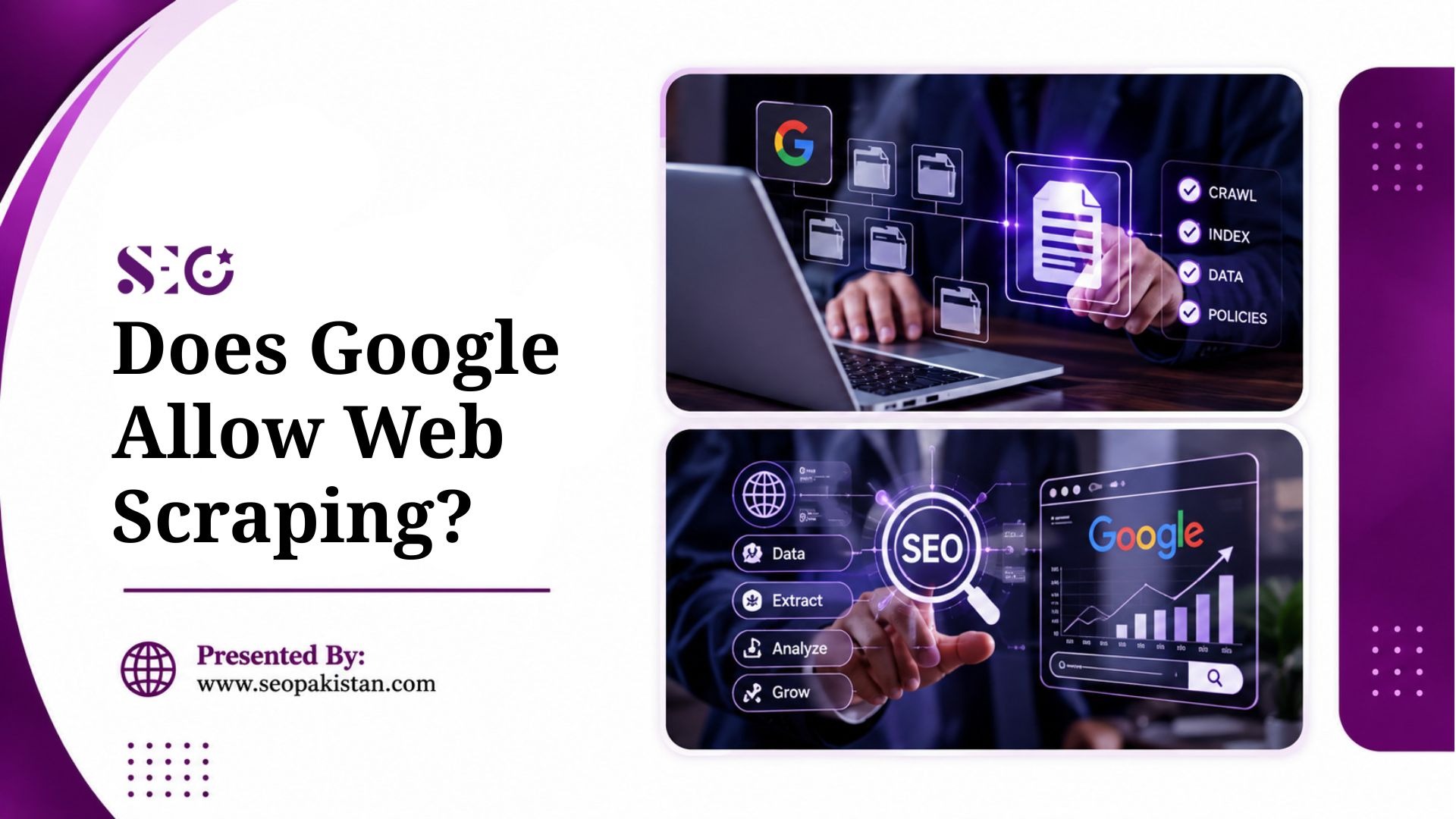
Google’s position depends on which side of the equation you’re on. Google explicitly prohibits scraping its own products, including Search, Images, YouTube, and Maps, enforced through rate limiting, CAPTCHAs, and IP blocking.
For third-party websites, Google doesn’t police how others scrape, that responsibility sits with the target site. Google does advocate for respecting robots.txt, sending requests at a reasonable rate, and collecting only publicly available data.
For the full breakdown of Google’s specific terms, SERP scraping risks, and how to stay compliant, see our complete guide to web scraping and Google’s policy.
Web Scraping vs Web Crawling
These two terms get confused constantly, though they describe related but distinct processes.
| Feature | Web Crawling | Web Scraping |
| Definition | Automated process of discovering and indexing web pages | Automated extraction of specific data from web pages |
| Primary Purpose | Index content for search engines | Collect structured data for analysis or business use |
| Used By | Search engines like Google | Businesses, marketers, developers, data analysts |
| Output Type | Indexed URLs and metadata | Structured datasets (CSV, Excel, databases) |
| Tools Used | Googlebot, Bingbot | BeautifulSoup, Scrapy, Puppeteer |
| Legal Risk Level | Low (standard search engine practice) | Medium to High (depends on usage and compliance) |
Googlebot, for example, crawls the web to discover and index pages for Google Search. It follows links, reads page content, and stores metadata, but it doesn’t scrape data for competitive analysis or commercial use.
For a deeper dive into this distinction, see our full web crawler vs web browser guide.
Ethical Uses of Web Scraping in SEO
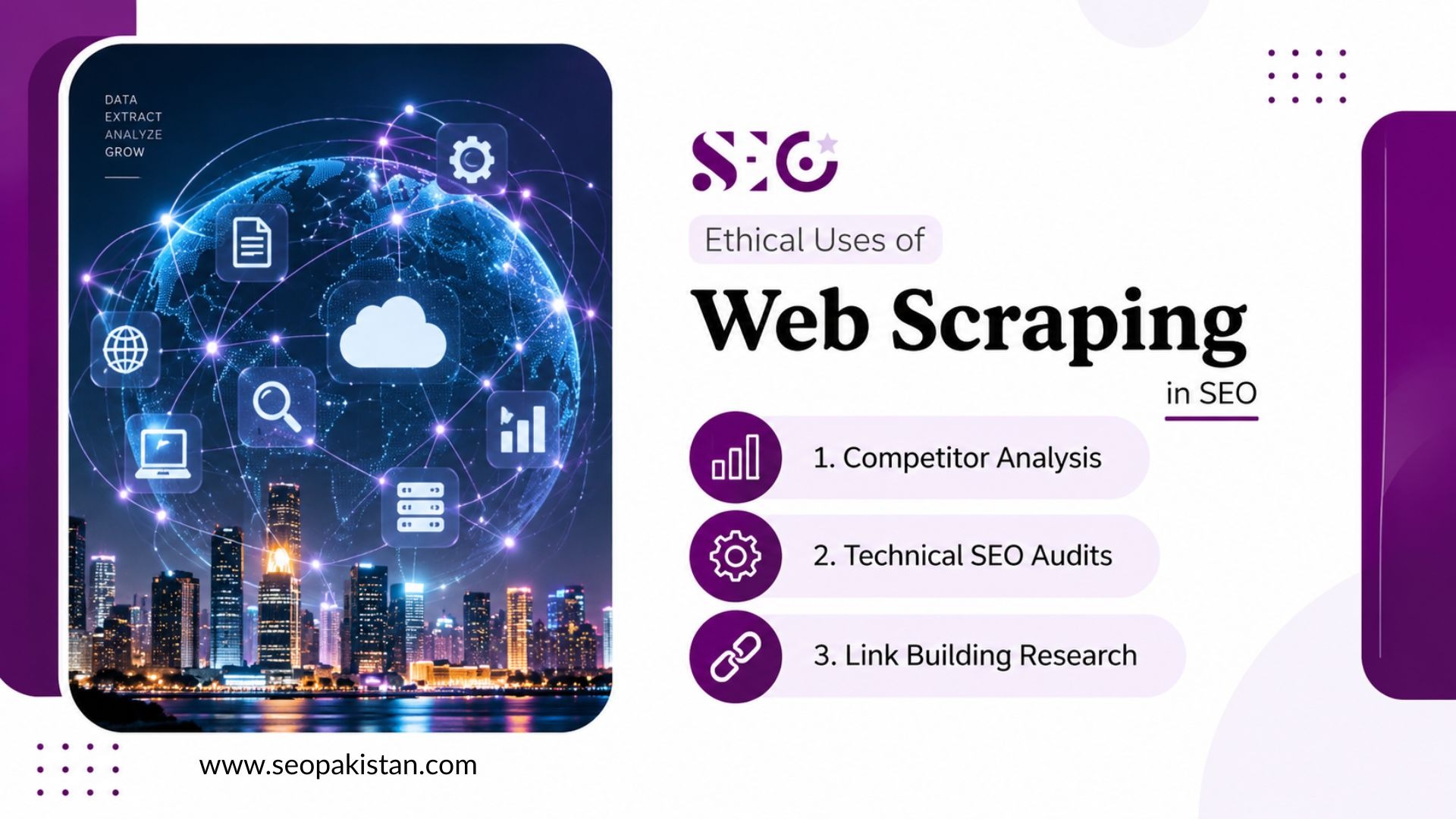
Web scraping has become a legitimate and valuable tool for SEO professionals. Used correctly, it surfaces insights that manual research simply cannot match. Here are the most impactful applications.
Competitor Analysis
What keywords are driving traffic to your competitors? What pricing strategies are they using to attract customers? Web scraping provides direct answers to these critical questions.
By extracting data from their websites, you can gain a clear view of their search rankings, product pricing, and promotional activities.
Practical applications include:
- Price tracking: Monitor competitor pricing in real time to maintain market competitiveness.
- Content monitoring: Track which topics, formats, and keywords competitors are targeting.
- SEO strategy insights: Identify gaps and opportunities by analyzing competitors’ on-page elements, heading structures, and internal linking patterns.
Technical SEO Audits
Running a manual SEO audit on a large website is time-consuming. Web scraping tools automate this process efficiently.
SEO teams use scraping to audit:
- Title tags: Identify missing, duplicate, or over-length titles across hundreds of pages.
- Meta descriptions: Flag pages lacking descriptions or exceeding character limits.
- Header structure: Confirm proper H1–H6 hierarchy across the site.
- Image alt text: Find missing alt text to improve accessibility and image SEO.
- Internal linking: Analyze anchor text and identify orphaned pages or broken internal links.
- Page speed metrics: Extract Core Web Vitals data for pages in bulk to find slow-loading content.
This level of automated analysis saves hours and reduces the margin for human error.
Link Building Research
Link building is one of the most impactful SEO activities, but it’s often a manual and time-consuming process. Web scraping dramatically accelerates link-building research by automating the discovery of outreach opportunities.
Instead of manually searching for prospects, you can systematically extract data from competitor backlink profiles, resource pages, and industry blogs.
Key use cases include:
- Backlink research: Identify which sites link to competitor pages and map prospecting targets.
- Broken link discovery: Scrape resource pages to find dead links, then offer replacement content.
- Resource page outreach: Compile lists of relevant industry resource pages at scale for targeted outreach campaigns.
Web Scraping for Business Intelligence and Market Research
Beyond pure SEO use, plenty of teams run market research projects through scraping, not just competitor SEO checks.
- E-commerce and pricing intelligence. Retailers scrape e-commerce websites and marketplaces for real-time pricing data, adjusting their own prices automatically based on competitor movement.
- News monitoring. Brands track news reports and coverage across the web to catch mentions before they’d otherwise notice, feeding results into business intelligence dashboards.
- Sentiment analysis. Scraped reviews and social media platform content get fed into machine learning models to gauge public sentiment toward a brand or product at scale.
- Market trends and lead generation. Aggregating data across major websites and online services surfaces market trends early and can build lead generation lists from public directories or listings.
This kind of market analysis work increasingly overlaps with SEO, since the same scraping infrastructure that tracks competitor rankings can just as easily track competitor pricing or sentiment.
What Are the Risks of Web Scraping?
Before you start scraping, you need to understand the risks. Web scraping can lead to serious technical and legal trouble if you’re not careful. Ignoring these dangers could result in costly mistakes and severe penalties.
Technical Risks. Sites deploy IP blocking, CAPTCHA challenges, browser fingerprinting, dynamic content rendering, and rate limiting specifically to detect and stop scrapers.
Legal Risks. Terms of Service violations, CFAA claims for unauthorized access, and GDPR exposure for scraping personal data from European users all carry real consequences.
Business Risks. Account suspension, reputation damage from being labeled a bad actor, and lost access to data partnerships or APIs can outlast any short-term data gained.
How to Do Web Scraping Responsibly
Responsible scraping is achievable. Following a clear set of guidelines protects your business, respects website owners, and keeps your data collection practices sustainable.
| Practice | Purpose |
| Check robots.txt | Respect website crawling preferences |
| Review Terms of Service | Avoid legal risks |
| Use slow request rates | Prevent server overload |
| Identify your bot | Maintain transparency |
| Collect only necessary data | Follow ethical data practices |
Check robots.txt: Before sending a single request, read the target site’s robots.txt file. Honor all disallow directives.- Review Terms of Service: Confirm that automated data collection is not explicitly prohibited before proceeding.
- Use slow request rates: Throttle your scraper to mimic human browsing speeds. Rapid-fire requests trigger detection systems and degrade server performance.
- Identify your bot: Use a descriptive user agent string that identifies your scraper and provides contact information. This demonstrates good faith.
- Collect only necessary data: Practice data minimization. Extract what you need, nothing more.
When You Should NOT Use Web Scraping
Knowing when not to scrape is as crucial as knowing how. Here are some scenarios where you should seek alternative data collection methods:
- An Official API is Available: If a website provides an API (Application Programming Interface), always use it first. APIs are designed for structured, reliable, and legal data access.
- The Data is Behind a Login: Scraping data that requires a login, such as user profiles or private account information, is a violation of privacy and often against the website’s terms of service.
- The Website’s Terms of Service Forbid It: Always check the robots.txt file and the Terms of Service. If they explicitly prohibit scraping, you must respect those rules.
- The Data is Copyrighted or Sensitive: Avoid scraping copyrighted material or personally identifiable information (PII) without explicit consent.
Alternatives to Web Scraping Google Data
Scraping Google directly is prohibited and technically difficult. Fortunately, Google provides official, fully compliant alternatives.
- Google Search Console API: Access performance data for your own website, including impressions, clicks, and average position, without any scraping required.
- Google Custom Search API: Retrieve search results programmatically through Google’s official API within defined usage limits.
- Third-party SEO tools: Platforms such as Semrush, Ahrefs, and Moz aggregate SERP data legally, giving users keyword rankings, traffic estimates, and competitor insights without violating any policies.
These methods deliver the data most SEO professionals actually need, without the legal exposure or technical hurdles of unauthorized scraping.
Final Thoughts
Web scraping is a powerful technique within legal and ethical boundaries. It fuels competitive intelligence, strengthens technical SEO, and accelerates research. The risks are real but manageable with the right approach.
Scraping Google directly is off limits. Scraping public data on third-party sites, done with respect for platform policies, remains legitimate and valuable. Use official APIs where available. Respect robots.txt. Throttle requests. Collect only what you need.
Want the insights this kind of data reveals, without the compliance risk of running it yourself? Our SEO services turn competitor and market data into a real strategy, and our content writing team builds the pages that strategy needs. Visit SEO Pakistan to see how it all comes together.
Frequently Asked Questions (FAQs)
Is web scraping legal for SEO and business use?
Web scraping is legal in many cases, especially when collecting publicly accessible data. However, it becomes risky if it violates Terms of Service, privacy laws, or involves protected data. Businesses using scraping for SEO, competitor analysis, or research must ensure compliance with legal frameworks and follow ethical practices like respecting robots.txt and avoiding restricted content.
What is the difference between web scraping and web crawling?
Web crawling focuses on discovering and indexing web pages, mainly used by search engines like Google. Web scraping, on the other hand, extracts specific data points such as prices, content, or contact details. Crawling gathers information broadly, while scraping processes it into structured formats for analysis and business use.
What are the safest ways to use web scraping in SEO?
The safest approach is to scrape only public data, follow robots.txt guidelines, respect rate limits, and avoid collecting personal or sensitive information. SEO professionals commonly use scraping for technical audits, competitor analysis, and link-building research, ensuring they operate within ethical and legal boundaries.
Why do websites block web scraping?
Websites block scraping to protect server performance, prevent data misuse, and maintain fair access. Excessive automated requests can overload servers and disrupt normal user activity. Platforms also restrict scraping to protect proprietary data, user privacy, and business models, which is why they implement CAPTCHA, rate limiting, and IP blocking.
When should you avoid using web scraping completely?
You should avoid scraping when official APIs are available, when data is behind login systems or paywalls, or when the website’s Terms of Service explicitly prohibit it. Scraping sensitive, copyrighted, or personal data also increases legal risk. In such cases, using compliant alternatives ensures long-term sustainability and avoids penalties.